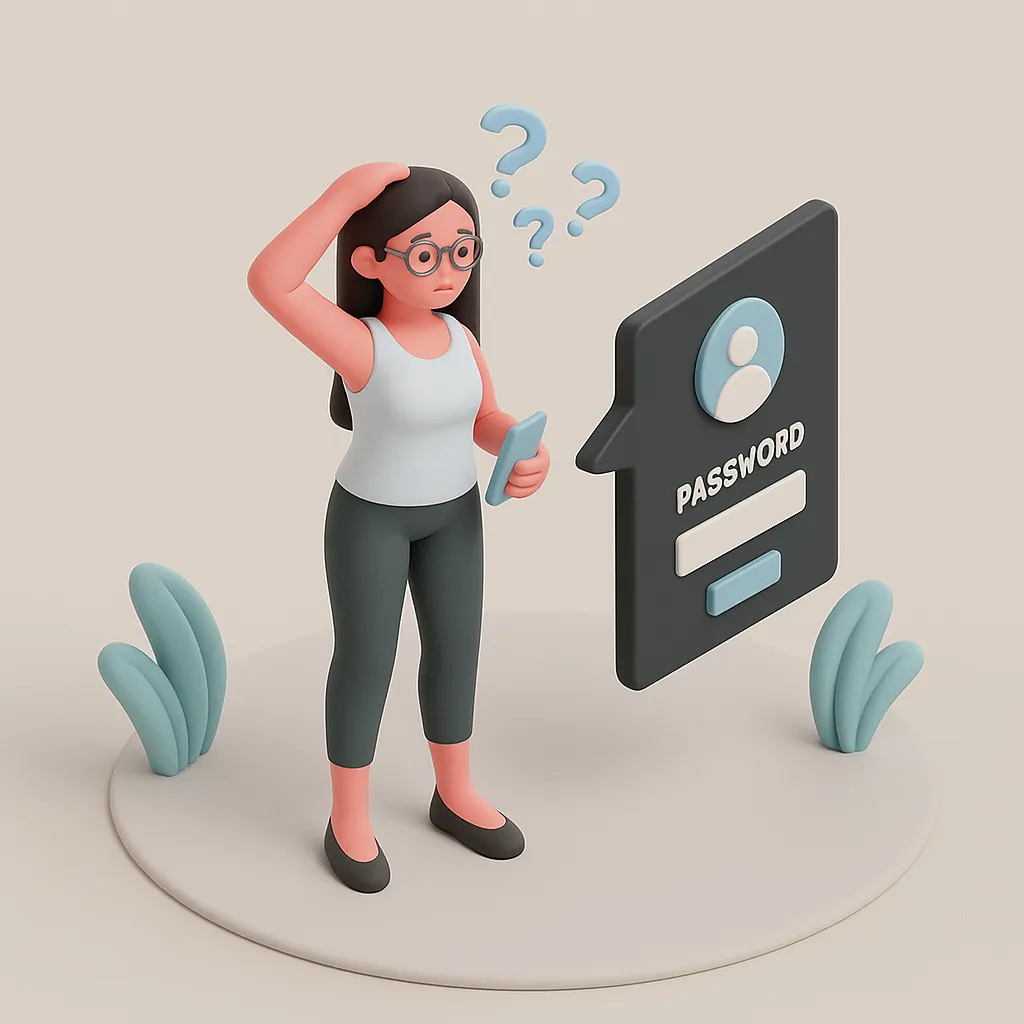
Ultshare iPhone Unlocker - Remove Screen Lock & Apple ID Without Password
iOS / iPadOS Supported

Ultshare iPhone Unlocker

iOS Screen Unlocker

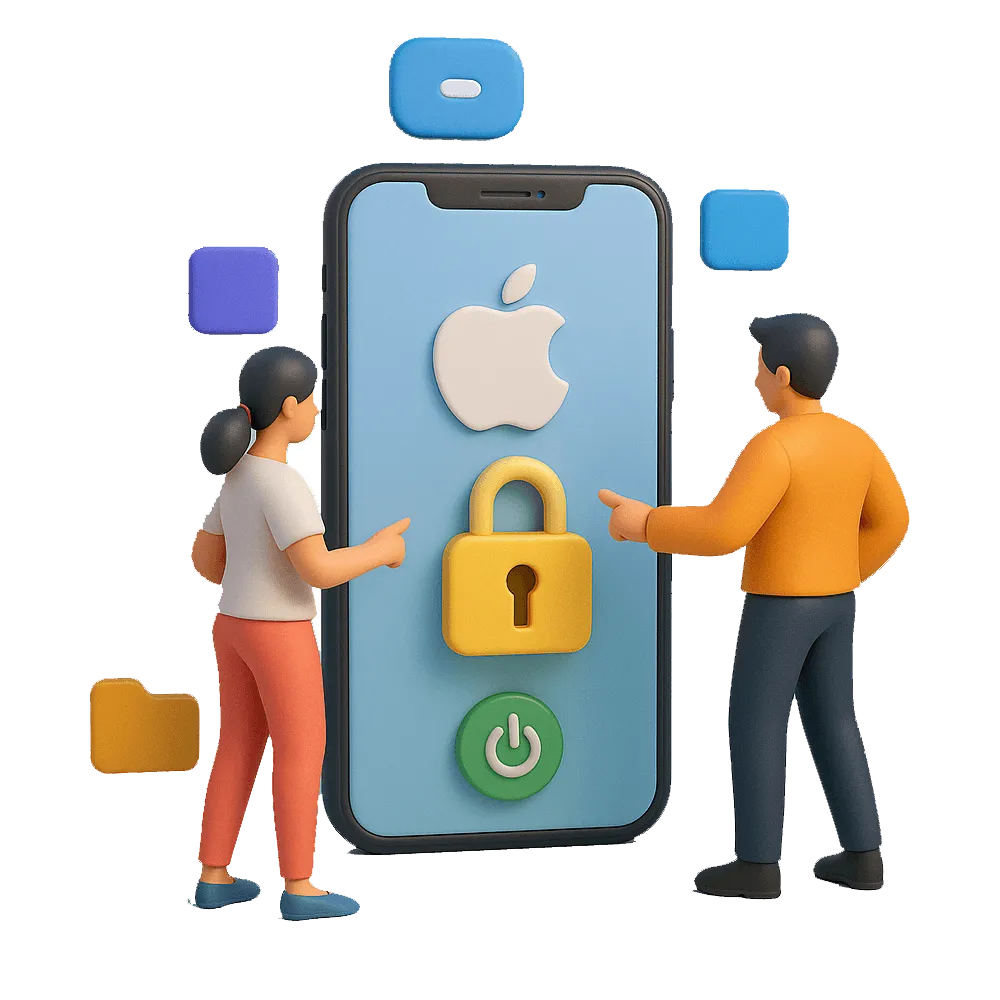
  • Unlock iPhone/iPad/iPod without passcode, Touch ID or Face ID.
  • Bypass iCloud Activation Lock in just three steps.
  • Unlock iPhone/iPad/iPod without password.
  • Support all models iPhone, iPad, and iPod touch.
  • Compatible with iPhone 16 and the latest iOS 17 version.
★★★★★ TrustScore 4.5/5 700+ Reviews
Ultshare iPhone Unlocker software interface
Features

Powerful iOS Unlock Features

Remove screen locks, Apple ID, and bypass activation — all without a password.
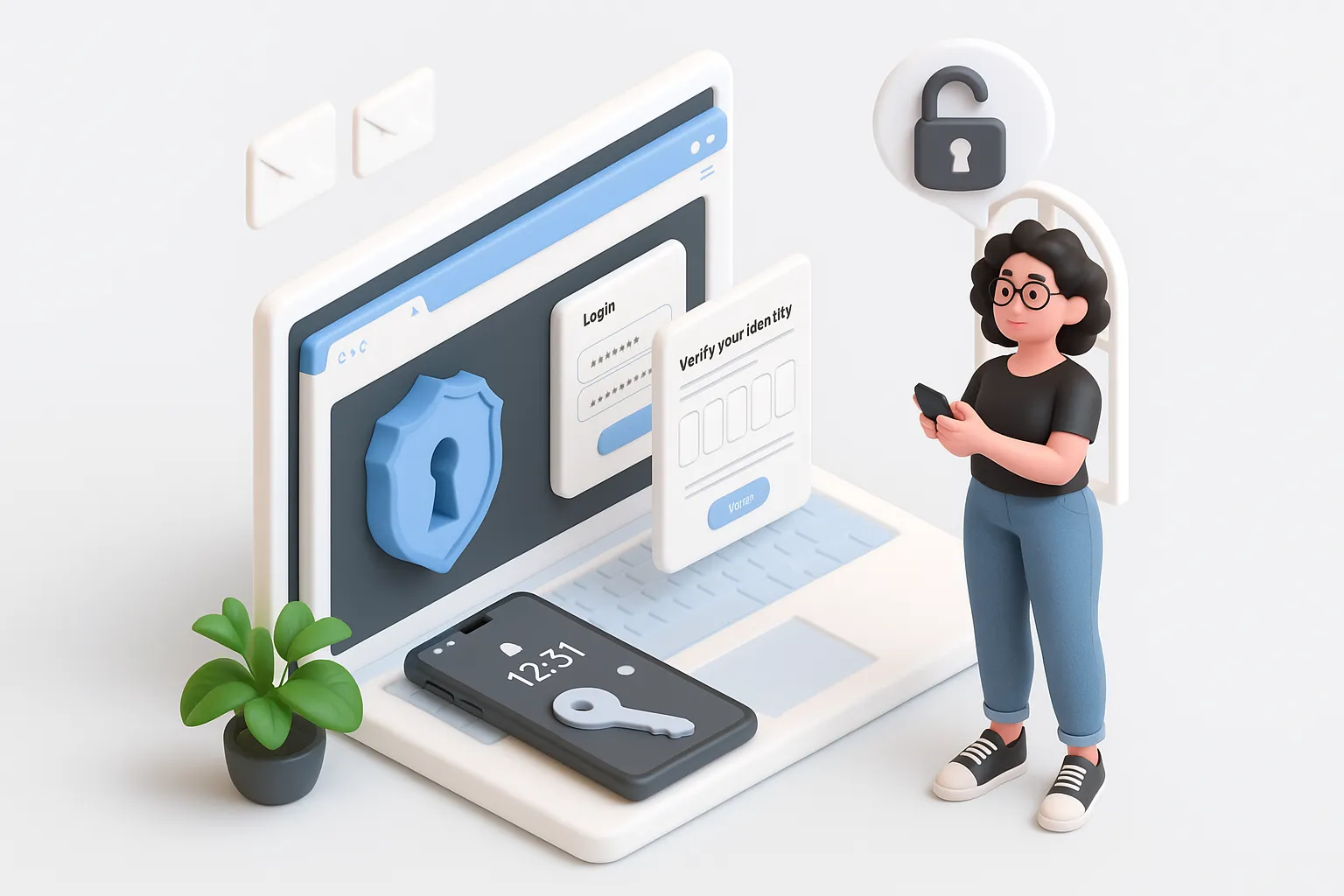
Remove iPhone screen lock instantly

Remove iPhone Screen Lock Instantly

Whether you’ve forgotten your iPhone passcode or your device is disabled due to too many failed attempts, this tool can remove screen lock from all iPhone models, including iPhone 15/14/13/12 and iPads. Supports all types of screen locks:

  • 4-digit / 6-digit passcode
  • Face ID
  • Touch ID
  • Alphanumeric passcodes
Remove Apple ID without password

Remove Apple ID Without Password

Don’t remember the Apple ID password linked to your device? The tool enables you to remove Apple ID and iCloud account from your iPhone or iPad without the need for credentials — even if Find My iPhone is enabled (some conditions apply).

After removal, you can:

  • Sign in with a new Apple ID
  • Enjoy full access to iCloud services
  • Disable remote tracking
Reset iPhone without iTunes

Forgot iPhone Passcode? Reset iPhone Without iTunes

If you forgot iPhone password, this unlocker allows you to reset your iPhone without iTunes or Finder. Bypass complicated steps and get instant access — no need to wait for support or visit a service center.

  • No iTunes or Finder required
  • Bypass lock screen in minutes
  • Works on disabled iPhones
  • No technical skills needed
Compatibility

Support All iOS Devices

Ultshare iPhone Unlocker supported devices

Supported Systems

  • Windows 11/10/8.1/8/7
  • Mac OS X 10.7 or above (macOS Big Sur/macOS Monterey)

Devices

  • iPhone: iPhone 4 and above (iPhone 16 included)
  • iPad: All models of iPad Pro, iPad Air, iPad mini, and iPad
  • iOS: iOS 17 and former versions
  • iPod: iPod Touch 1-7

Ultshare iPhone Unlocker

Unlock iPhone/iPad/iPod without passcode, Touch ID or Face ID.
Remove Apple ID without password from iOS devices.

Ultshare iPhone Unlocker icon
FAQ

Frequently Asked Questions (FAQ)

1. What can this iPhone Unlock Tool remove?
This tool can remove screen lock, Apple ID, MDM lock, Screen Time passcode, and help you regain access if you forgot your iPhone passcode or forget your iPhone password.
2. Can I use this tool if I forgot my iPhone passcode?
Absolutely! If you’ve forgotten your iPhone passcode, this software allows you to bypass the lock screen and reset your device without iTunes or iCloud.
3. Can I remove Apple ID from a second-hand iPhone?
Yes. If your iPhone is linked to someone else’s iCloud, the tool can remove Apple ID without password (certain conditions apply, e.g., Find My iPhone must be disabled for some models).
4. Will my data be erased after removing the screen lock?
Yes. Due to iOS system limitations, removing screen lock will factory reset your device and erase all content. It’s recommended to back up your data before unlocking if possible.
5. Can I unlock iPhone without Apple ID or iTunes?
Yes, you can unlock iPhone without iTunes, and in many cases, remove Apple ID without knowing the password. This is ideal if you’ve purchased a used iPhone or can’t access iCloud credentials.
6. Is it safe to use this unlock software?
Yes, it’s 100% safe. The tool does not leak, steal, or store your data. It’s trusted by thousands of users worldwide to remove locks from iPhones and iPads securely.
7. What devices and iOS versions are supported?
Supports iPhone 4 to iPhone 16, iPad, iPod Touch. Works with iOS 12 to iOS 17 and is compatible with both Windows and macOS.
8. I forgot my iCloud password. Can I still remove Apple ID?
Yes! If you forgot your iCloud password, this tool can help you remove Apple ID from your iPhone depending on the device status and iOS version. Some models require Find My iPhone to be disabled.