
Ultshare iPhone System Repair
iOS System Recovery tools often offer features such as
- Fix various software-related problems that may cause devices to malfunction or become unresponsive.
- Enter and exit recovery mode or DFU mode, which are essential for performing certain types of repairs.
- Repair their devices without losing data. However, it is essential to back up important data before performing any repairs.
- Compatible with various iPhone and iPad models, ensuring that users can repair their devices regardless of the model they own.

Fix iOS Issues Like Apple Logo Stuck, Recovery Mode Loop, or Random Reboots – No Data Loss
Is your iPhone stuck on the Apple logo, frozen in recovery mode, constantly restarting, or suffering from other frustrating system glitches? You are not alone – and more importantly, you are not helpless. The iPhone System Repair Tool is your go-to solution to quickly and safely repair iOS system issues without losing your data.
Key Features & Benefits
Repair iOS Without Data Loss
Use Standard Mode to fix most system problems – no data will be erased. Your photos, messages, contacts, and apps stay safe.
Advanced Repair Issues
Advanced Mode provides deeper fixes for more complex issues like persistent boot loops or firmware errors (note: may result in data wipe).
Fast, Easy, and Safe
Just 3 steps: Connect your device – Choose repair mode – Download firmware and repair. No tech skills needed. Designed for beginners and tech pros alike.
100% Secure
- No jailbreak required
- Read-only repair – zero risk to your device
- SSL-encrypted for total data privacy
Fix Almost All iOS Devices

Supported Systems
- Windows 11/10/8.1/8/7
- Mac OS X 10.7 or above (macOS Big Sur/macOS Monterey)
Devices
- iPhone: iPhone 4 and above (iPhone 14 included)
- iPad: All models of iPad Pro, iPad Air, iPad mini, and iPad
- iOS: iOS 16 and former versions
- iPod: iPod Touch 1-7
iPhone System Recovery
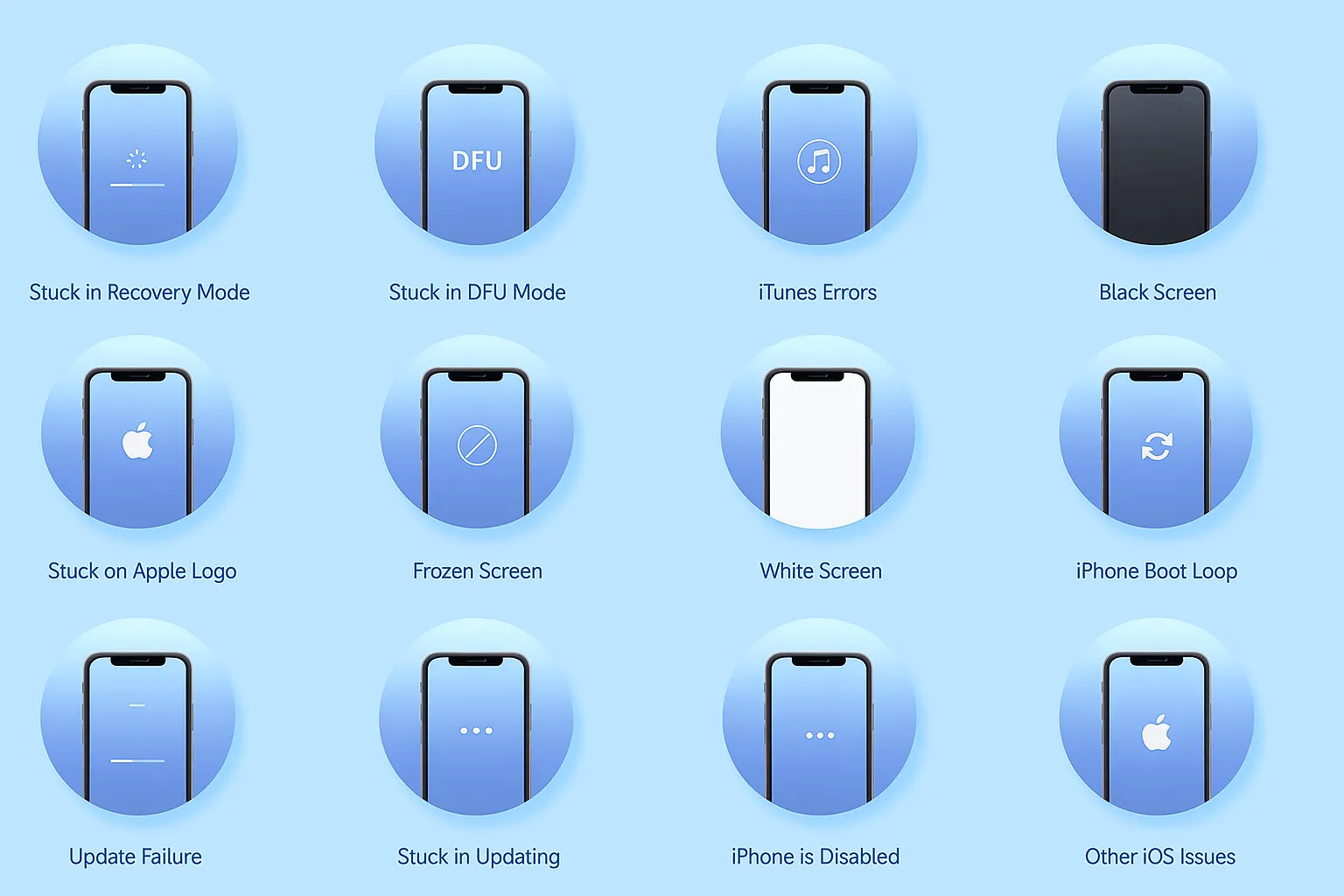
- Stuck on the Apple logo screen
- Endless boot loops or continuous restarts
- Stuck in recovery mode (connect to iTunes screen)
- Black screen, white screen, or frozen screen
- iPhone won’t update, or update stuck on verifying
- Stuck in DFU mode or won’t exit DFU
- iOS crashing, random app exits, or lagging
- Device won’t turn on, stuck on loading bar
- System errors after iOS update or downgrade

Frequently Asked Questions (FAQ)
- iPhone stuck on the Apple logo
- Stuck in Recovery Mode or DFU Mode
- Continuous restart (boot loop)
- iPhone won’t turn on or stuck on a black/white screen
- Frozen screen or unresponsive device
- Update/restore failures and more