
Ultshare Unlock Android
Android Screen Remover
- Unlock Android password, PIN, pattern, and fingerprint locks without losing data.
- Bypass Samsung FRP lock without Google account or PIN.
- Compatible with a wide range of Android phones including Samsung, Huawei, Xiaomi, and more.
- Simple to use and no technical expertise needed.
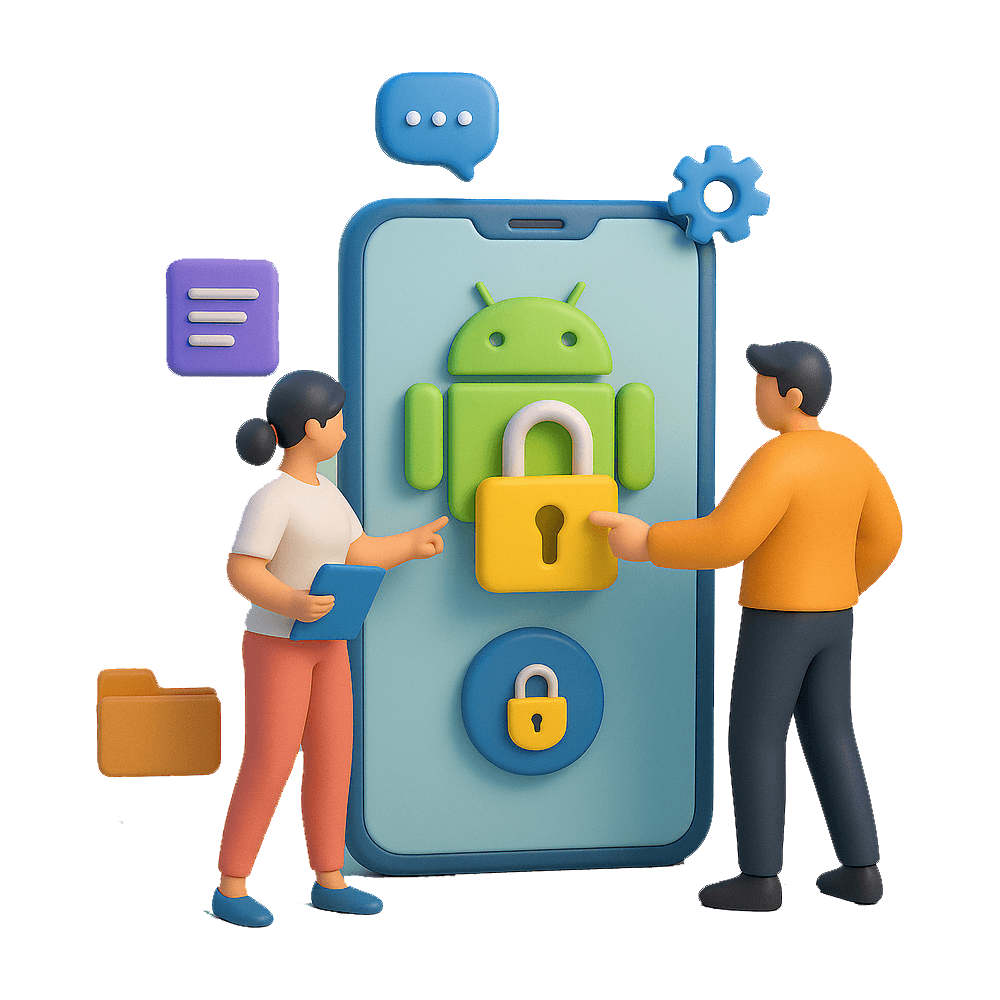
Unlock Android – Safely Remove Your Phone’s Lock in Minutes
Regain Access to Your Android Device Without Data Loss or Hassle. Locked out of your Android phone? Whether you’ve forgotten your PIN, pattern, or password, Unlock Android helps you regain control quickly and securely — no technical skills needed.
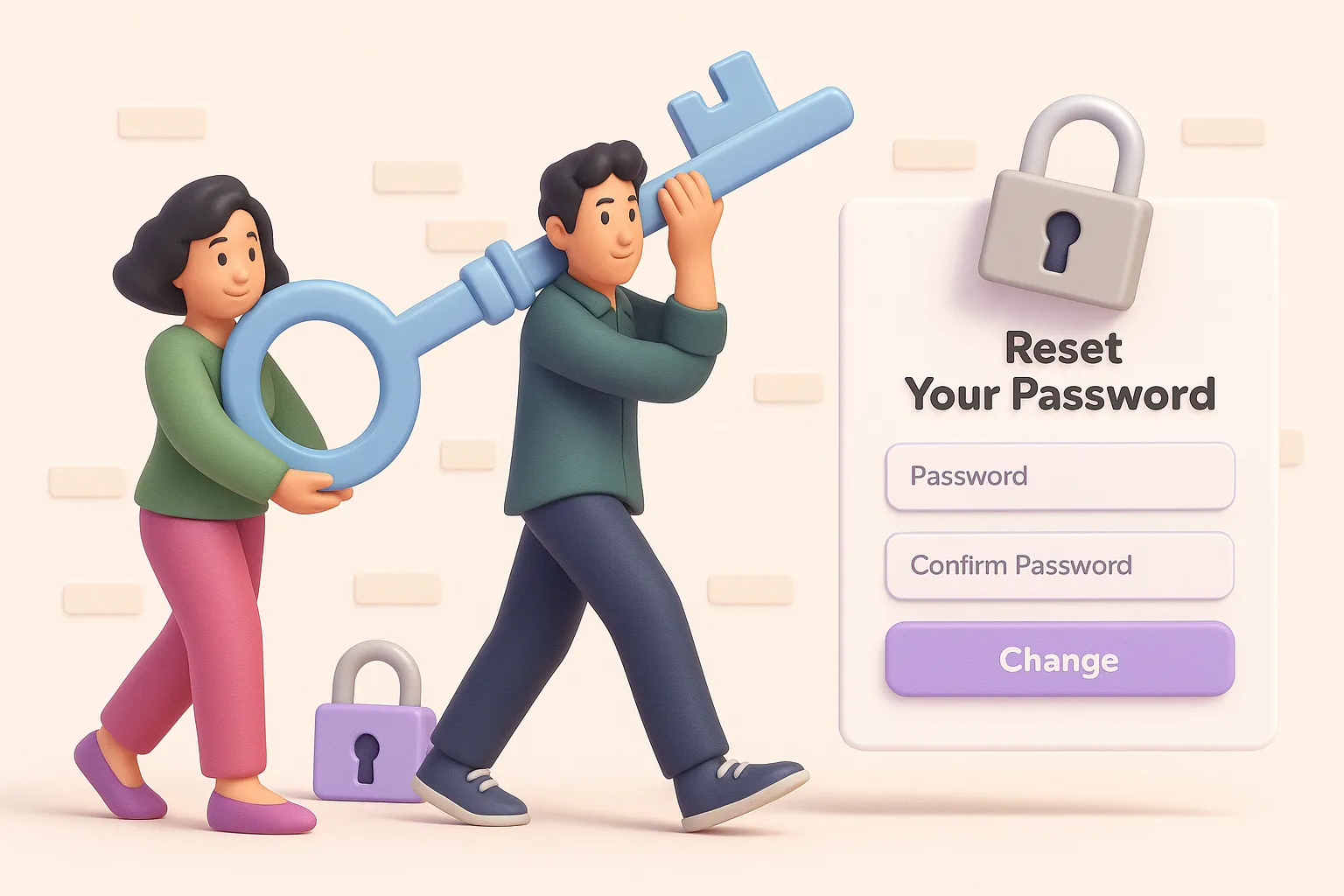
Remove Any Android Lock in 3 Simple Steps
Connect your device, choose the unlock mode, and let the software handle the rest. Whether it’s a forgotten PIN, pattern, password, or even FRP lock — Ultshare Unlock Android gets you back in without hassle.
Designed for everyone: no rooting required, no technical knowledge needed. Just follow the clear on-screen instructions and regain access to your phone in minutes.
Key Features
Remove Screen Lock Instantly
Eliminate PIN, pattern, password, fingerprint, and face locks from most Android devices with just a few clicks.
No Data Loss (for Select Models)
Supports unlocking without erasing your data on Samsung and select models. Your photos, contacts, and apps stay safe.
Wide Device Compatibility
Works with 15,000+ Android phones and tablets, including Samsung, Xiaomi, LG, Motorola, Huawei, and more.
Bypass FRP Lock (Google Account)
Locked by Factory Reset Protection (FRP)? Our tool helps you bypass Google account verification after reset.
User-Friendly Interface
No tech experience required. The step-by-step instructions make the unlocking process easy and stress-free.
Ultshare Unlock Android
Unlock your Android phone safely and quickly — no data loss, no technical skills needed.
- Remove PIN, pattern, password, fingerprint & face locks
- Bypass FRP / Google account verification
- Supports 15,000+ Android models
- No rooting required

Frequently Asked Questions (FAQ)
- PIN codes
- Pattern locks
- Passwords
- Fingerprint and Face ID
- FRP (Google account lock after reset)
- Samsung
- Xiaomi
- Huawei
- Oppo
- Vivo
- LG
- Motorola
- And many more